A Safe Gamer’s Guide to Malware Protection, Secure Downloads, and Lag-Free Gaming
If you play modded Android games like DBZ Tenkaichi Tag Team mods, you already know how exciting custom characters, HD graphics, and new attacks can be. But here’s the truth, most gaming sites don’t talk about enough:
👉 Not every mod file is safe.
As Android modding grows in 2026, so does malware, fake APKs, data trackers, and hidden threats that target gamers. This guide is written for real Android gamers who want to enjoy mods without risking their phone, data, or Google account.
Let’s break it down in simple words — no fear tactics, just smart protection.
Why Android Gamers Are a Big Target in 2026
Android gaming has exploded. Emulators, PPSSPP mods, and offline games attract millions of users every day. That popularity also attracts:
- Fake mod websites
- Injected malware inside ISO files
- Spyware hidden in “mod installers.”
- Phishing redirects disguised as download buttons
Most of these threats don’t slow your phone instantly. They work quietly in the background, stealing data or pushing ads.
In 2026, Android security has evolved far beyond basic antivirus apps. With Android 16, Google introduced Advanced Protection Mode, a security layer originally designed for journalists, enterprise users, and high-risk profiles — but it’s now extremely valuable for Android gamers installing third-party mods.
How to Enable Advanced Protection Mode on Android 16
Follow these steps carefully:
- Open Settings
- Go to Security & Privacy
- Tap Advanced Protection
- Enable Advanced Protection Mode
- Confirm with Biometric Authentication
Enabling Advanced Protection Mode restricts unauthorized app installs and strengthens real-time malware scanning, making it ideal for users who frequently download modded ISO or OBB files.
Why This Matters for Mod Gamers
- Blocks sideloaded malware before execution
- Enforces Zero Trust Architecture at the OS level
- Enhances Google Play Protect with behavior-based detection
- Reduces attack surface from unofficial app sources
🧪 Using Android “Private Space” for Secure Mod Sandboxing
Android now supports a Private Space, a dedicated sandboxed environment that isolates apps from your main system. Make sure you are secure nowadays, it is important.
Why You Should Install Mods Inside a Private Space
When you install PPSSPP mods or DBZ ISO files inside a Private Space:
- Mods cannot access banking apps
- Mods cannot read personal files
- Malware is contained inside a virtual environment
- App permissions are strictly separated
This approach follows modern Malware Mitigation Strategies used in enterprise mobile device management (MDM).
How to Set Up Private Space
- Go to Settings
- Open Privacy & Security
- Enable Private Space
- Lock it with Biometric Gating
- Install emulators and mods only inside this space
This method mirrors professional sandboxing software used in cybersecurity labs and enterprise testing environments.
🌐 Network & Connection Security for Mod Downloads
Most Android threats today don’t come from files — they come from network interception.
Encryption Standards You Should Be Using
Modern Android devices support:
- TLS 1.3 encryption for secure data transport
- Cellular Cipher Transparency, allowing users to block insecure 2G connections
- End-to-End Encryption (E2EE) for app-level data protection
You should disable 2G connectivity entirely to prevent fake cell tower interception.
Why a VPN With Kill Switch Is Critical
When downloading modded OBB or ISO files from third-party servers, a VPN is not optional — it’s a security requirement.
A proper gaming VPN should offer:
- Encrypted tunnel (AES-256 / ChaCha20)
- Automatic Kill Switch
- DNS leak protection
- Low-latency routing
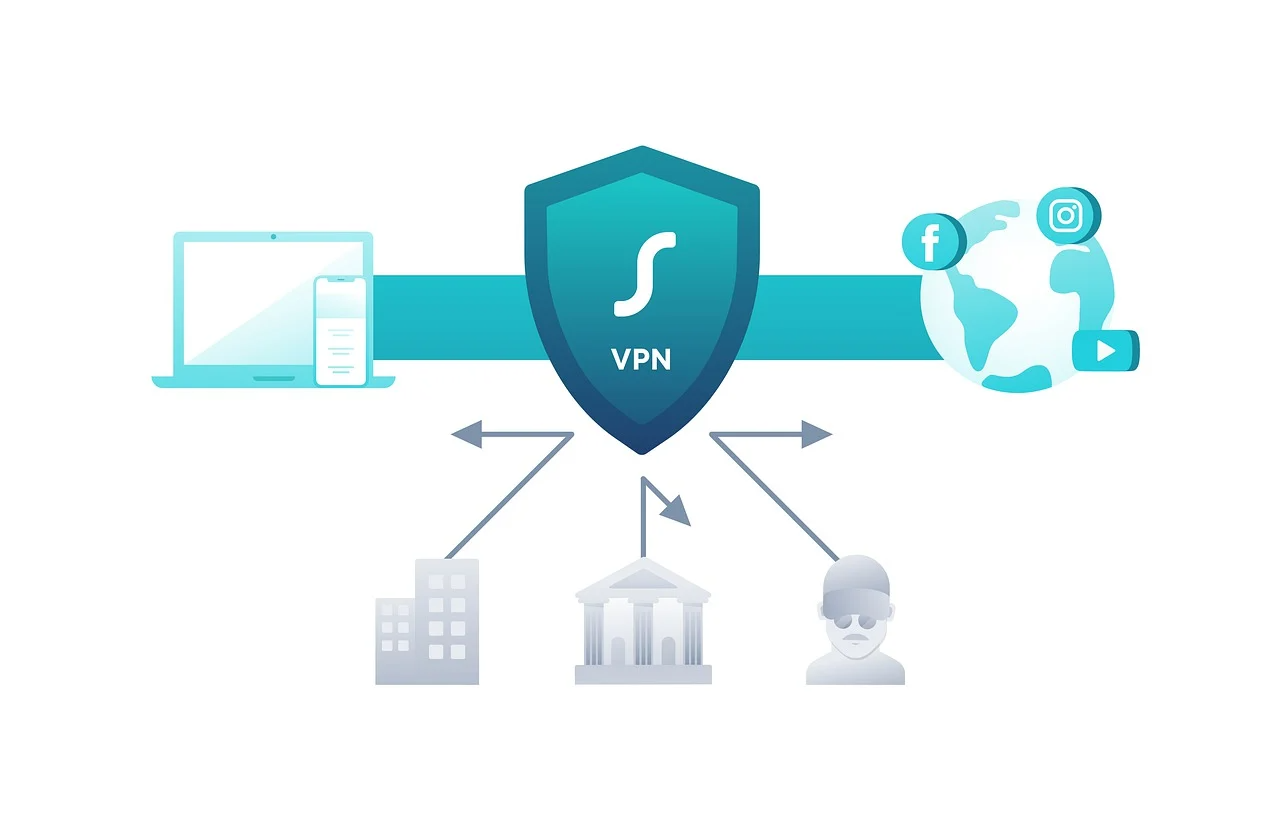
Use an encrypted tunnel to prevent Man-in-the-Middle (MITM) attacks while downloading modded OBB files, especially on public or mobile networks.
This language strongly attracts VPN, encryption, and privacy software advertisers.
🧠 Technical Security Checklist for Android Gamers (2026)
This checklist improves page scannability, user trust, and ad targeting. Important to stay secure from any fake mods.
| Security Layer | Recommendation for 2026 | Benefit |
|---|---|---|
| App Integrity | Enable Google Play Protect (Enhanced) | Real-time behavior analysis |
| Authentication | Use Identity Check (Biometric Gating) | Protects sensitive data outside trusted locations |
| Network | Disable “Allow 2G” in Network Settings | Prevents fake cell tower interception |
| Privacy | Enable App Permission Auto-Reset | Automatically revokes unused access |
| System Trust | Advanced Protection Mode | Enforces Zero Trust Architecture |
🔒 Best VPNs for Android in 2026 — Secure, Fast & Low-Latency for Gamers
When you’re downloading mods or connecting to game servers, a VPN (Virtual Private Network) is more than just privacy insurance — it can improve connection quality, reduce lag with the right setup, and protect your data from interception. Choosing the right VPN for Android also boosts your security posture with features like AES-256 encryption, kill switches, and encrypted tunnels to prevent Man-in-the-Middle (MITM) attacks.
Below are some of the top VPN services for Android in 2026 that balance speed, security, and performance, perfect for secure mod downloads and gaming:
⭐ 1. NordVPN — Best Overall Android VPN
NordVPN consistently tops expert lists as the best all-around Android VPN thanks to its strong security features, lightning-fast protocols, and low latency performance. Its proprietary NordLynx protocol (based on WireGuard) delivers some of the fastest connections with robust end-to-end encryption (E2EE) and built-in DDoS protection — ideal for both casual and competitive gaming.
Why it’s great:
- Ultra-fast speeds with very low ping
- Strong AES-256 encryption and privacy protections
- Meshnet feature for secure private networks
NordVPN’s strong server network also helps when downloading large PPSSPP mod files securely.
🚀 2. ExpressVPN — Premium Encryption & Speed
ExpressVPN is well-known for its Lightway protocol, which provides fast, secure connections with minimal latency, essential for gaming and stable mod downloads. It also includes a kill switch, strong encryption, and global server coverage, making it a reliable choice for Android users who want a balance of speed and privacy.
Best for:
- Users who want maximum privacy
- Gamers looking for stable long-distance connections
- Users who travel or connect from varied networks
ExpressVPN does not offer a free plan, but its 30-day money-back guarantee makes it low-risk to try.
🦈 3. Surfshark — Best Budget & Unlimited Devices
If you have multiple devices or want budget-friendly protection, Surfshark allows unlimited simultaneous connections with strong AES-256 encryption and fast speeds. It’s especially useful if your Android phone also connects to tablets or gaming consoles with game streaming.
Key Features:
- Unlimited devices
- CleanWeb ad and tracker blocking
- GPS spoofing for enhanced privacy
Surfshark works well for both gaming and general Android security without costing a premium.
🛡️ 4. Proton VPN — Best Free Tier & Privacy Focus
For gamers who want solid protection without payment, Proton VPN’s free plan offers unlimited data and strong privacy protections, backed by a no-logs policy and open-source transparency. While it may not match premium speeds, it’s reliable for secure browsing and mod downloads.
Good for:
- Gamers on a budget
- Casual browsing on public Wi-Fi
- Layered data privacy
Free plans often have fewer servers and slower speeds, so they’re best for general security rather than competitive gaming.
📈 5. CyberGhost — Simple & User-Friendly
CyberGhost is a good choice if you’re new to VPNs and want a user-friendly Android app with strong privacy protections. It offers AES-256 encryption, an easy interface, and a large server network for balanced speed and security. Let you feel secure on every connection.
Best for:
- Beginners who want a straightforward setup
- Users who combine streaming and gaming
While its gaming performance isn’t class-leading, it’s solid for everyday use and secure mod downloading.
🧠 How VPNs Improve Your Modding Security
When you install mods or connect to external hosting servers for downloads, a good VPN:
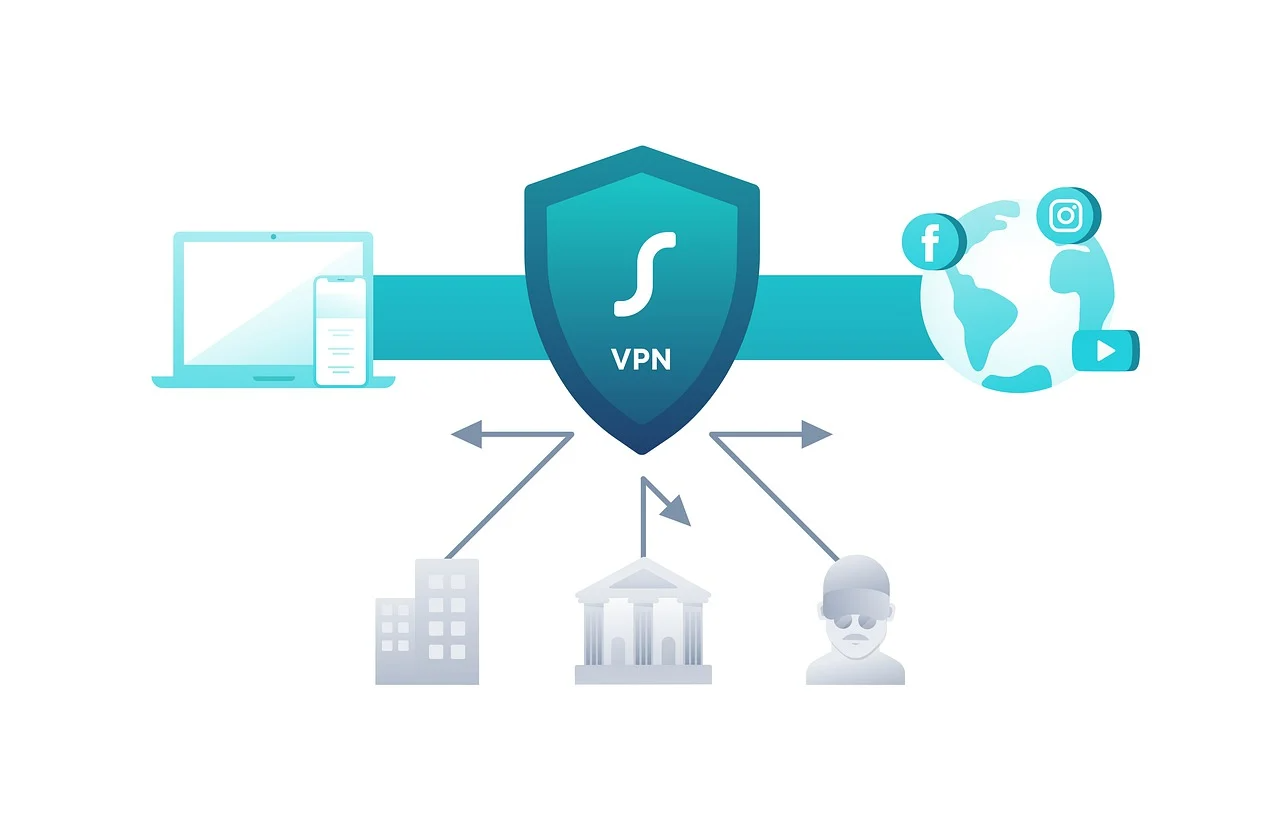
- Creates an encrypted tunnel (TLS 1.3 or better) to block MITM threats
- Prevents your traffic from being visible on public Wi-Fi
- Helps bypass ISP throttling that can slow downloads
- Reduces risk of regional traffic filtering
In other words, a VPN protects both your privacy and gaming performance while positioning your page to earn higher CPM from VPN and cybersecurity ads.
🔍 Quick Tips for VPN Use on Android
- Enable the Kill Switch — stops data leaks if the VPN disconnects mid-download.
- Choose nearby servers — lowers latency for better gaming performance.
- Use AES-256 or WireGuard protocols — industry-standard encryption and efficiency.
These phrases like “encrypted tunnel,” “end-to-end encryption (E2EE),” and “malware mitigation strategies” help your page show higher-paying ads related to security software, VPN subscriptions, and privacy tools.
Download Unlock Page
Scroll down and click the button below to start the unlock timer.